Editorial portrait
Original fictional adult woman, age 30, wearing a tailored charcoal jacket over a cream blouse, confident relaxed expression, simple studio background; soft side lighting, realistic editorial portrait, head-and-shoulders framing.
Non-explicit portrait guide
Learn how lighting, clothing, expression, and framing shape an attractive fictional adult portrait. Use clear, non-explicit visual direction to create your own look in Dreamgens.
These guide illustrations were created with ImageGen using a supplied adult model reference and Dreamgens public style previews. They illustrate visual directions; they are not Dreamgens generator outputs or model benchmarks.
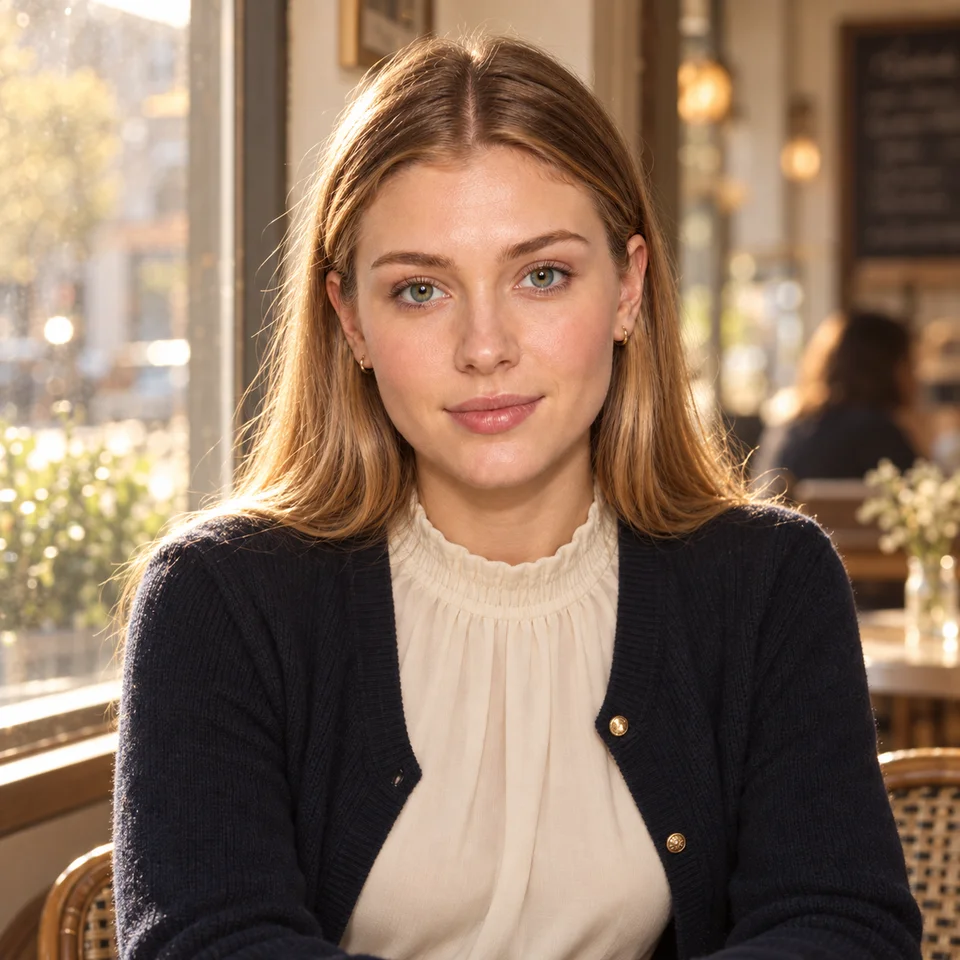
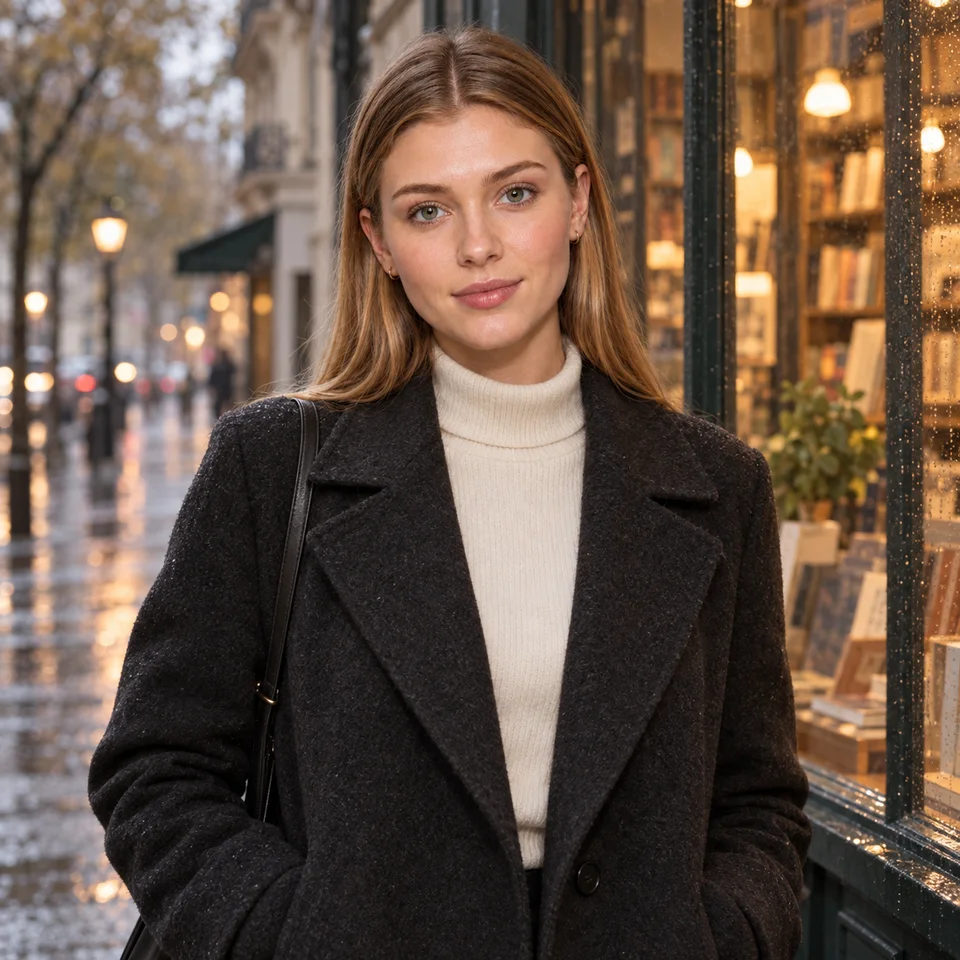
Attractive means different things to different viewers. Instead of relying on a vague adjective, name the look: elegant evening portrait, relaxed cafe scene, confident editorial headshot, or soft illustrated character study. Specify an original fictional adult subject, then add clothing, expression, and surroundings.
If you arrived looking for a “hot AI girl,” a useful non-explicit starting point is an adult fashion or glamour portrait. Describe a tailored outfit, confident expression, and flattering light. This guide focuses on composition and styling, with adult fictional characters and the platform’s existing content rules.
Soft window light often produces gentler transitions across the face. A visible side light can create a more dramatic editorial mood. A warm outdoor scene may benefit from a simple sunset direction and a background with fewer competing details.
Prompts cannot enforce real camera physics or guarantee a lighting setup. Evaluate the image itself: do highlights and shadows agree, do eyes look natural, and is the face easy to read? Replace conflicting light descriptions with one concrete instruction when the result becomes confusing.
Start with a portrait whose clothing and setting are uncomplicated. Keep your character brief and style stable, then change only the expression or framing. Compare the results for readability rather than expecting every generation to improve automatically.
When a face is important for a recurring character, consider Character Reference. When you only want to change clothing or another region, use the Image Edit guide to understand instructions and masks. These private modes have their own access requirements and publishing restrictions.
These are starting instructions, not promises of a particular result or the prompts used for the preview images.
Original fictional adult woman, age 30, wearing a tailored charcoal jacket over a cream blouse, confident relaxed expression, simple studio background; soft side lighting, realistic editorial portrait, head-and-shoulders framing.
Original fictional adult woman, age 27, wearing a rust-colored sweater, smiling gently beside a cafe window; warm natural light, quiet background, realistic portrait, medium framing.
A clear subject, coherent styling, readable expression, and consistent lighting often communicate the intended aesthetic better than a string of vague beauty terms. Preferences vary, and generated details need review.
Yes. Keep the adult character brief and composition, then choose an available anime or toon style and describe the palette and line quality.
No. It describes non-explicit portrait styling. Dreamgens’ existing content rules and account access requirements still apply.
Choose a creation mode and an available style in Dreamgens. Review the current plan details for Gems, limits, and reference access before generating.
Try a portrait prompt