Can Dreamgens generate anime girls?
Yes. Describe an original fictional adult character, choose an anime or toon style available to your plan, and generate an image. Dreamgens follows its content and safety rules.
Anime image guide
Dreamgens can make anime and toon style images from text prompts. Use this guide to plan an original fictional adult character, describe a readable scene, and choose an available style in the generator.
These are the style previews shown in the Dreamgens generator. Compare the looks, then select a style and describe your own character and scene. Your prompt and settings will affect the result.
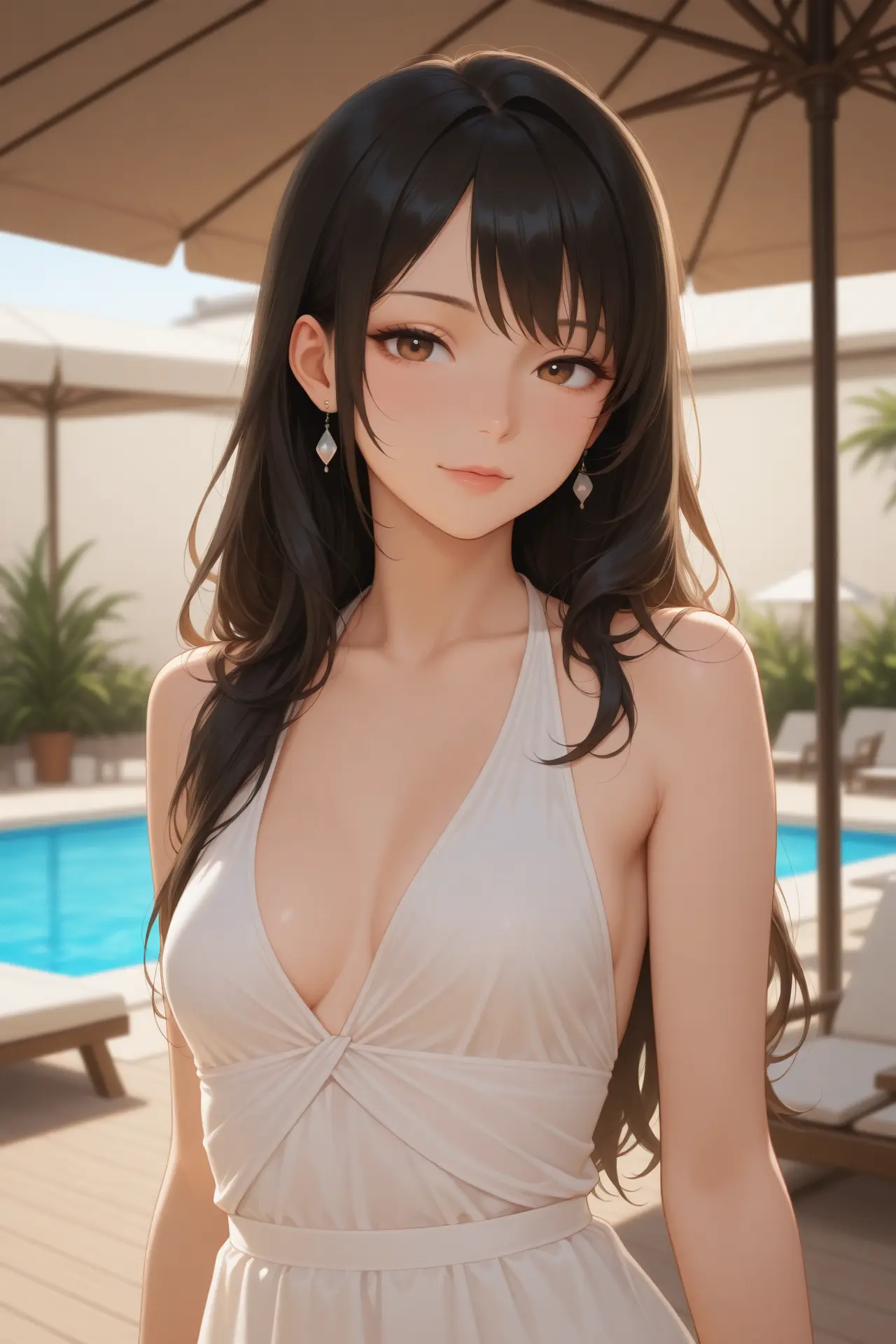
An anime-inspired look with soft shading and detailed character features. Choose AniDream in the style picker, then describe the outfit, expression, and setting you want.
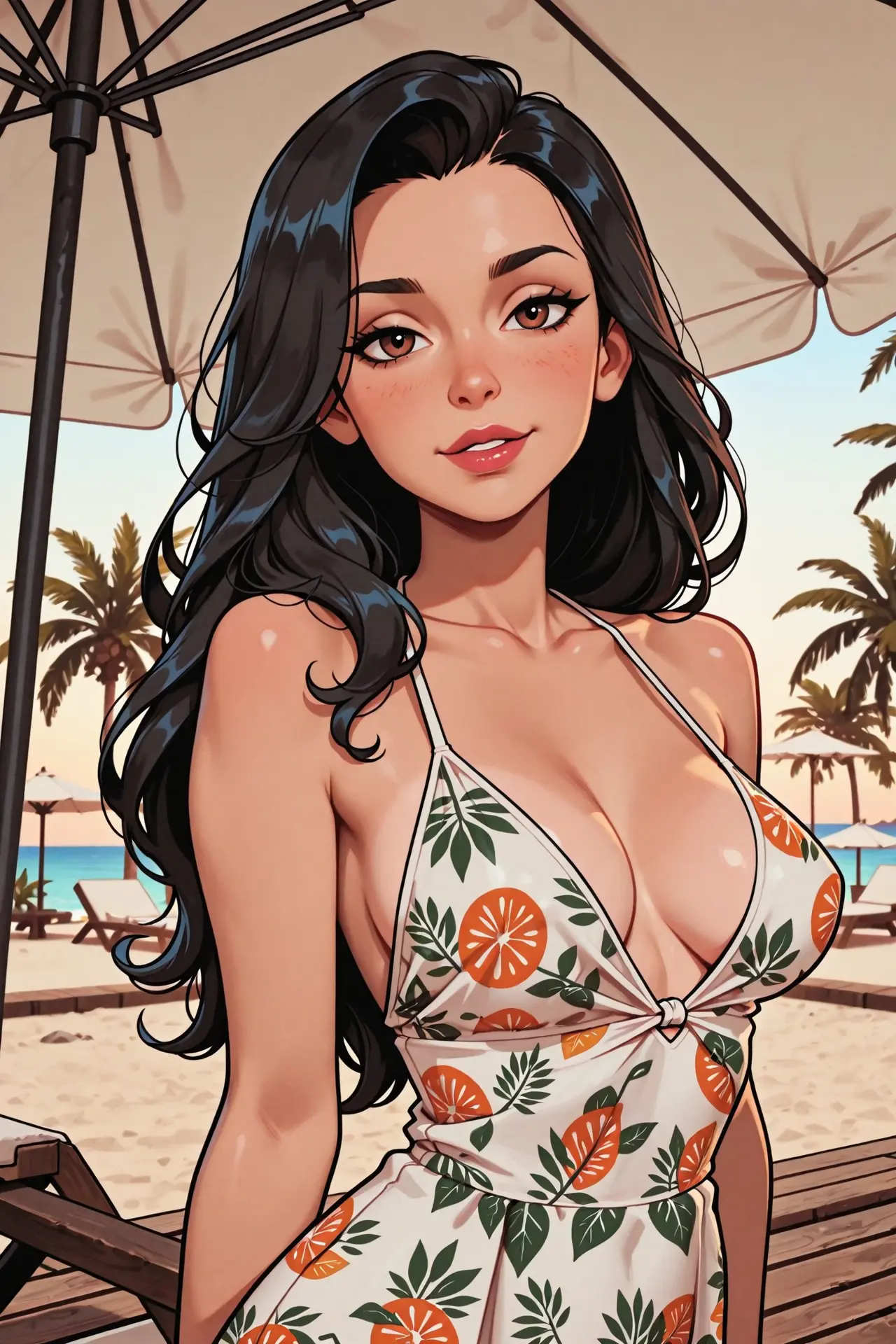
A cartoon look with stronger outlines and stylized color. Choose ToonDream for an illustrated character, and use your prompt to set the pose, background, and mood.
Start with the character’s age as an adult, hair, face, clothing, expression, and the action in the scene. Add a background and lighting after the subject is clear. A short prompt with concrete visual details is easier to refine than a list of conflicting styles.
Select an anime or toon style available to your plan, then use the prompt to describe line quality, palette, mood, and composition. The available styles and advanced controls depend on your plan; generated images are interpretations, so you may need a few prompt adjustments.
If the first result is close, change one group of details at a time, such as the setting or clothing. For a character you want to reuse, the Character Reference guide explains how an image reference can help carry visual traits into another scene.
Yes. Describe an original fictional adult character, choose an anime or toon style available to your plan, and generate an image. Dreamgens follows its content and safety rules.
No. Start with the subject, appearance, clothing, action, and setting. Add style or lighting details only when they help communicate the image you want.
No. The Free plan and paid plans include different style access and controls. Check the current plan comparison on the pricing page.
Open the generator to choose a creation mode and style. Free accounts have starter Gems and feature-specific limits; see the plan details before using paid options.
Open the image generator