Does Character Reference guarantee the same face?
No. It provides visual guidance and can help preserve recognizable traits, but generated details may change. Review each result and adjust the prompt or reference if needed.
Character reference guide
Use Character Reference to carry recognizable features into new outfits, poses, and settings. Start with one clear image or add up to four images of the same fictional adult character. Similarity can vary between generations.
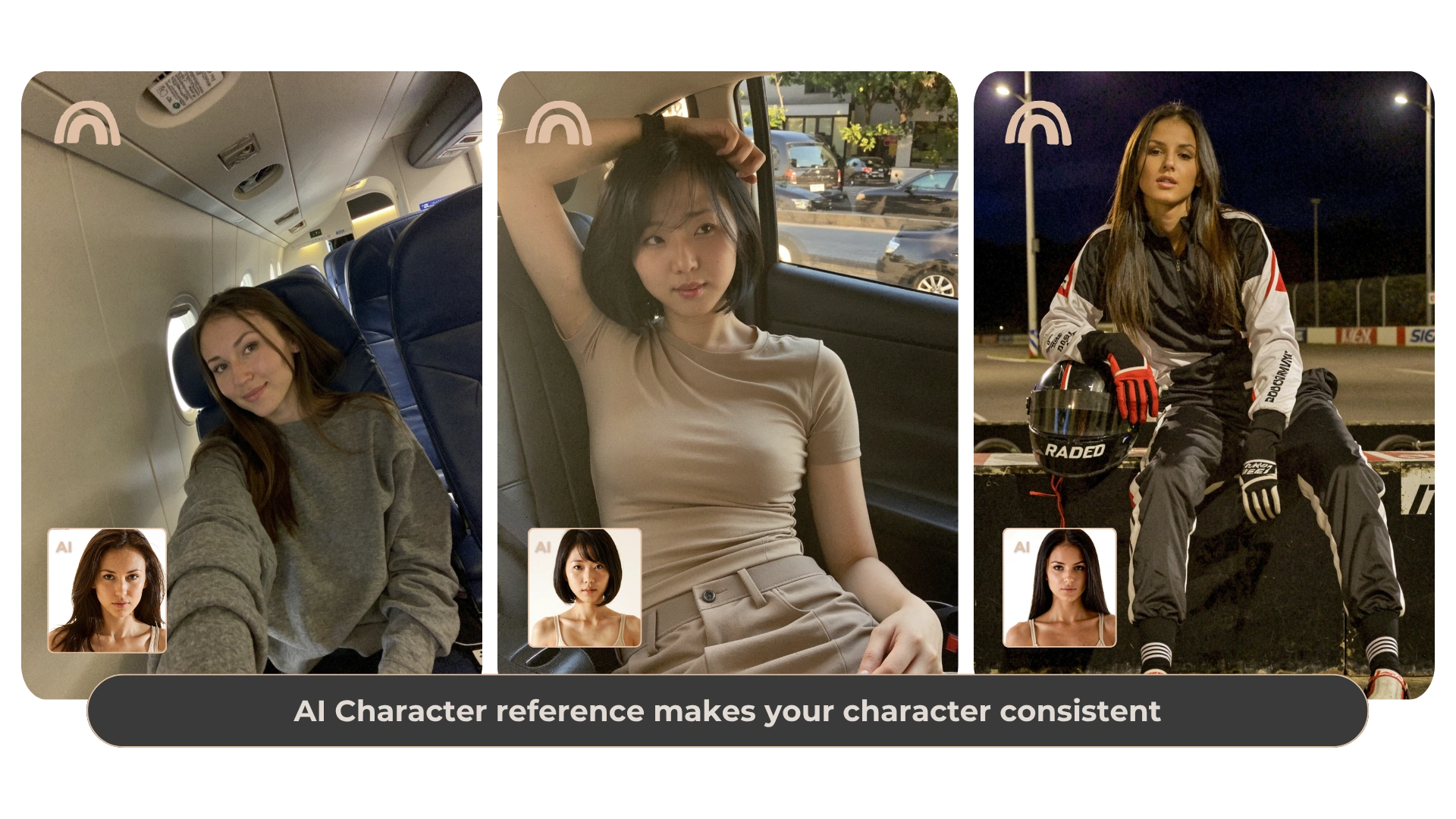
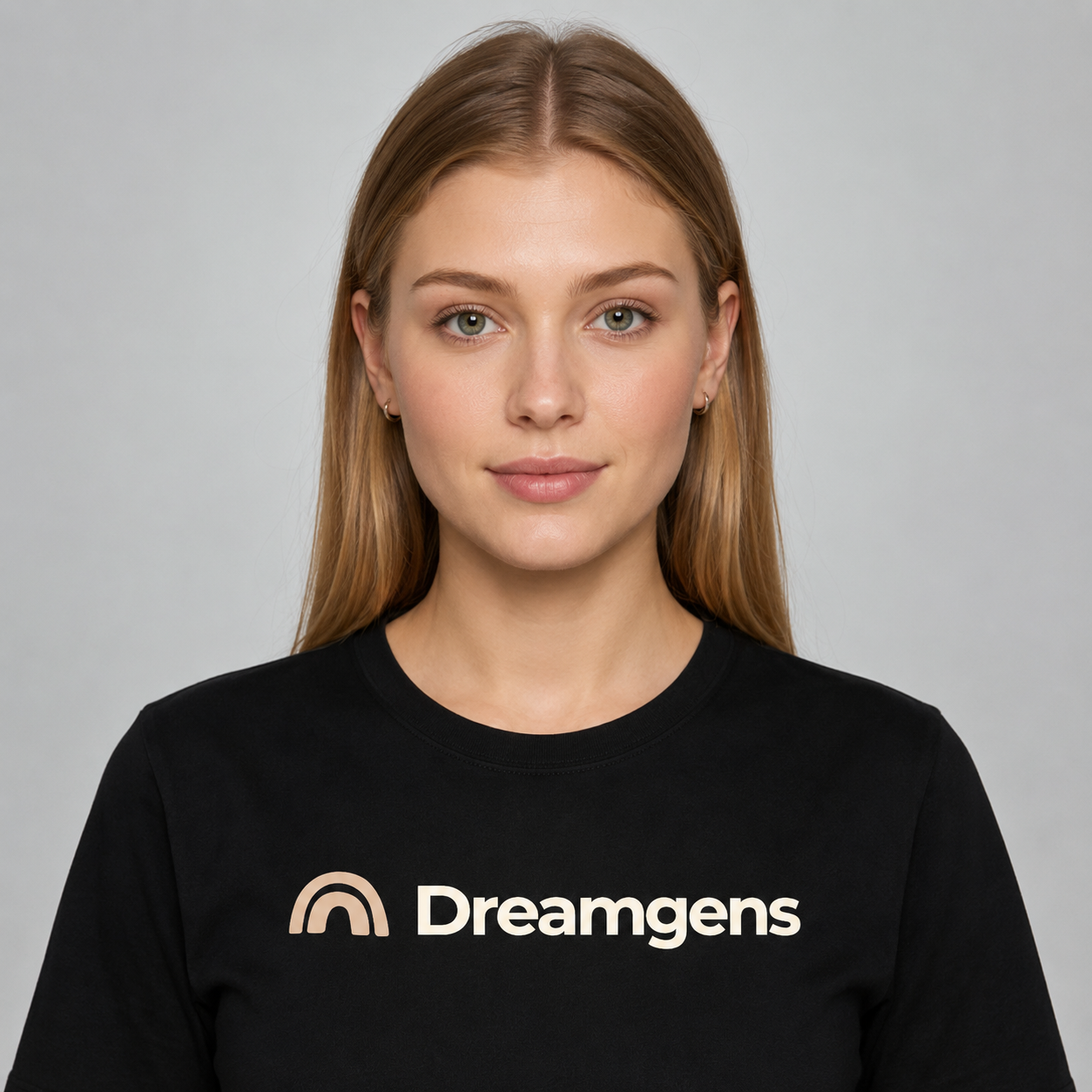
Start with one clear, well-lit image with the face visible. Add two to four images when you want to show the same face from different angles. Keep hair and other defining features consistent across your references. Use images you created or have permission to use.
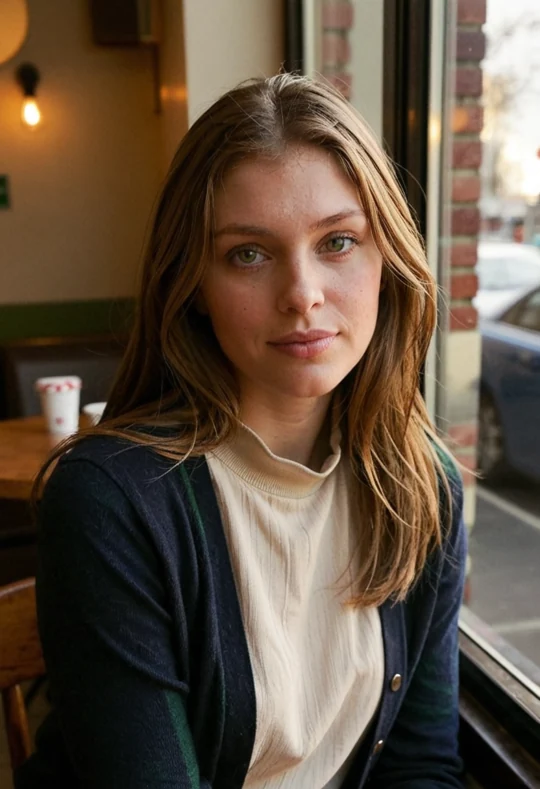
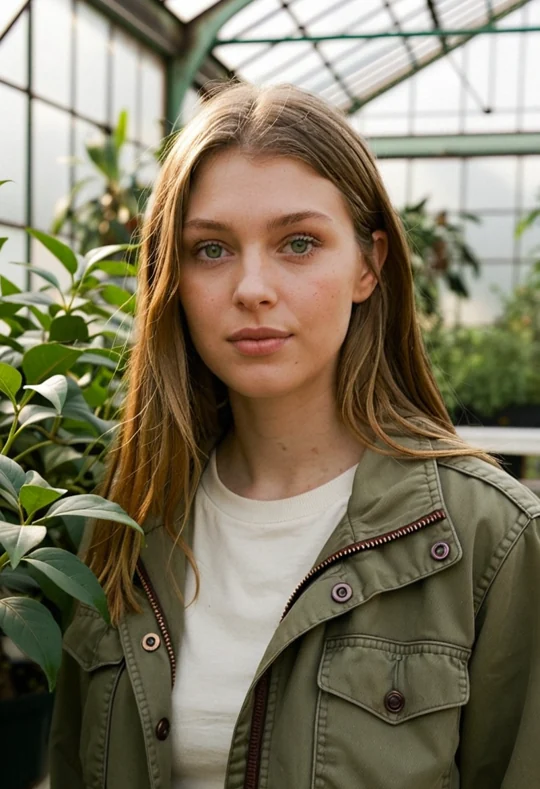
Start with a fictional adult character with light brown hair and green eyes. Reuse the same references and style for a navy cardigan at a café, a field jacket in a greenhouse, and a wool coat at a train station. Write a separate prompt for each scene, then compare whether the face and hair still look recognizable.
In Generate, add your character images under AI Character, then choose Pose and open Custom Pose to upload a separate pose image. The character uploads guide appearance. The pose upload guides posture and composition. Choose an output aspect ratio close to your pose image, and describe any changes to the outfit and setting in your prompt.
Free accounts receive two one-time Character Reference trial uses at normal generation Gem prices. Previous successful trials count toward the limit. Each successful use consumes a trial; failed generations restore it and refund charged Gems under the existing failure rules. After the allowance is used, the feature locks unless your plan includes access. Other Free-plan limits still apply.
These examples were rendered locally with the Dreamgens RealDream Character Reference workflow using the same sample character image and a different scene prompt for each image. Settings were Dream Match, Standard, Portrait, Normal detail, Balanced creativity, and a locked seed of 643279630.
Try a third scene by moving the character to a covered train platform in a buttoned navy wool coat and gray scarf, with waist-up framing and overcast evening light.
No. It provides visual guidance and can help preserve recognizable traits, but generated details may change. Review each result and adjust the prompt or reference if needed.
Yes. You can upload 1–4 images of the same fictional adult character. Look for clear, complementary views of the face.
No. Uploaded character references remain private. Generations using a Character Reference cannot be published to Community, including when combined with a Pose Reference. Pose-only outputs may be shared when eligible; the uploaded pose reference remains private.
Free accounts receive a one-time allowance of two Character Reference trial uses at normal Gem prices. Previous successful trials count toward the limit. Failed generations restore a trial and refund charged Gems under the existing failure rules. Feature access after the allowance depends on the plan; see pricing for current details.
Open the generator to choose a creation mode and style. Free accounts have starter Gems and feature-specific limits; see the plan details before using paid options.
Open the image generator