Does Pose Reference copy the person in the source image?
Pose Reference is for guiding pose and composition. Describe the subject you want in the prompt, and use an image you are allowed to upload.
Pose reference guide
Pose Reference lets you provide visual guidance for the composition of a new Dreamgens image. Pair a readable pose image with a prompt that spells out the character, clothing, setting, and style you want.
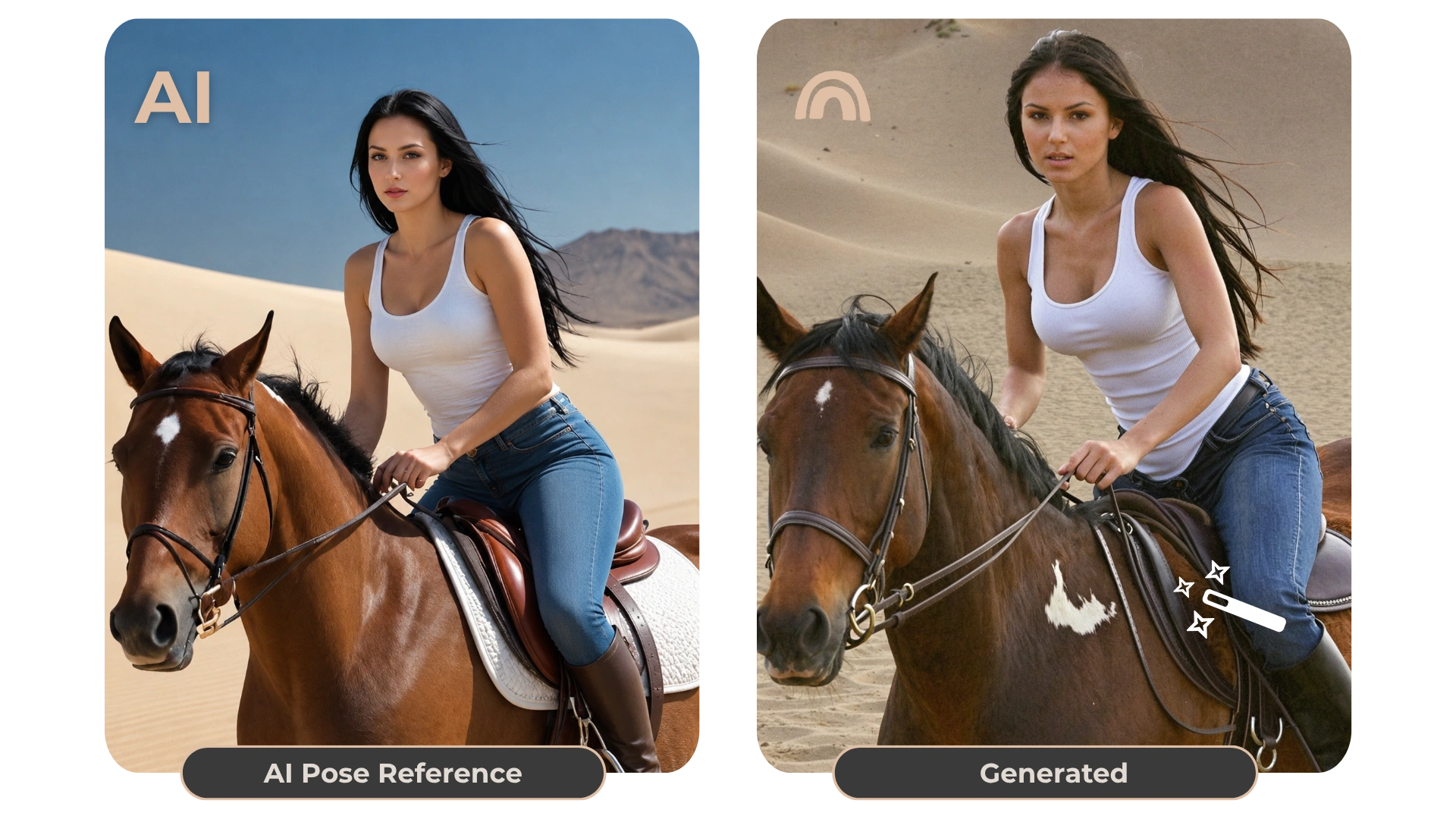
A pose reference helps communicate body position and framing. Use the text prompt to describe the new fictional adult subject, clothes, setting, camera distance, and visual style. If the reference contains details you do not want carried into the result, state what should change.
Choose an image where the subject’s overall posture is visible and not hidden by clutter. Use a reference you own or have permission to use. Dreamgens may interpret some details differently, so check the result and refine the prompt rather than expecting a pixel-perfect transfer.
Uploaded pose references stay private. Free accounts receive five one-time Pose Reference trials at zero Gems; failed generations restore a trial, and other Free-plan limits still apply. Pose-only outputs may be eligible for Community publishing under the existing rules, but the reference upload itself stays private.
Pose Reference is for guiding pose and composition. Describe the subject you want in the prompt, and use an image you are allowed to upload.
No. Uploaded pose references remain private. Pose-only outputs may be published when the existing Community rules allow it.
Free accounts receive five one-time Pose Reference trials at zero Gems. Failed generations restore a trial. Access after those trials depends on your plan.
Open the generator to choose a creation mode and style. Free accounts have starter Gems and feature-specific limits; see the plan details before using paid options.
Open the image generator