Choose the visual language, then refine the subject
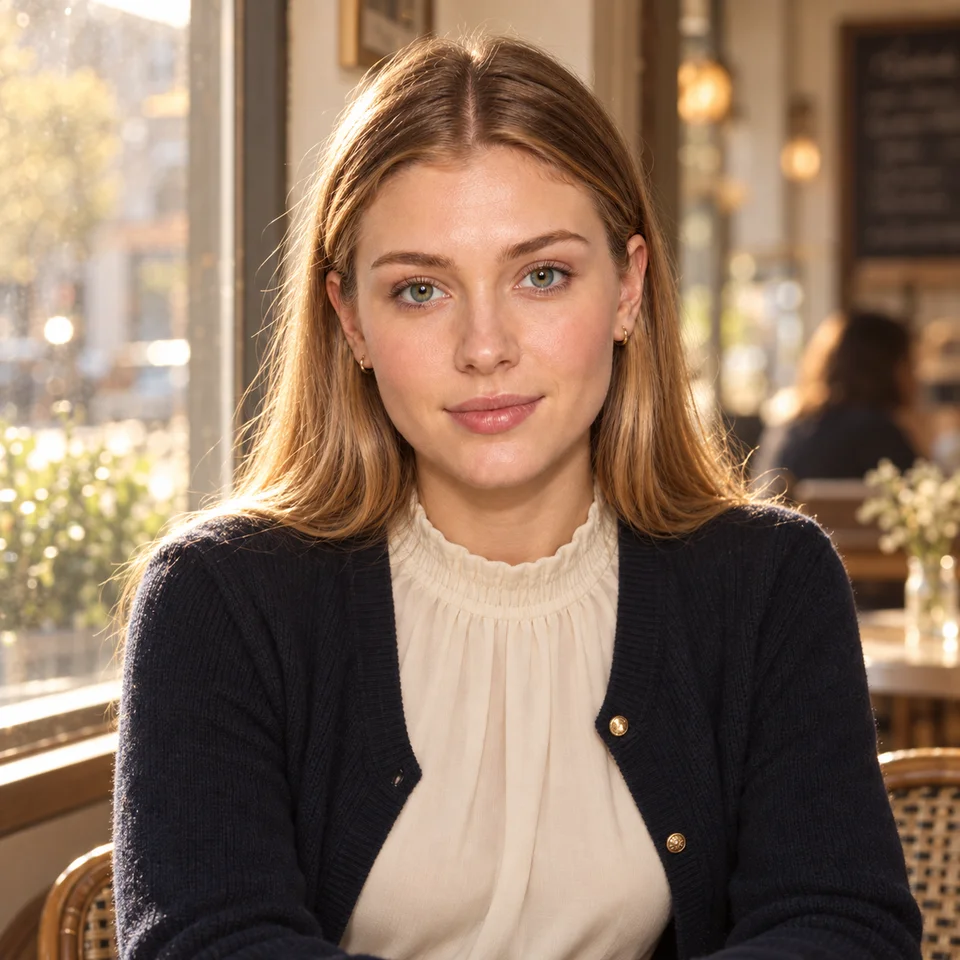
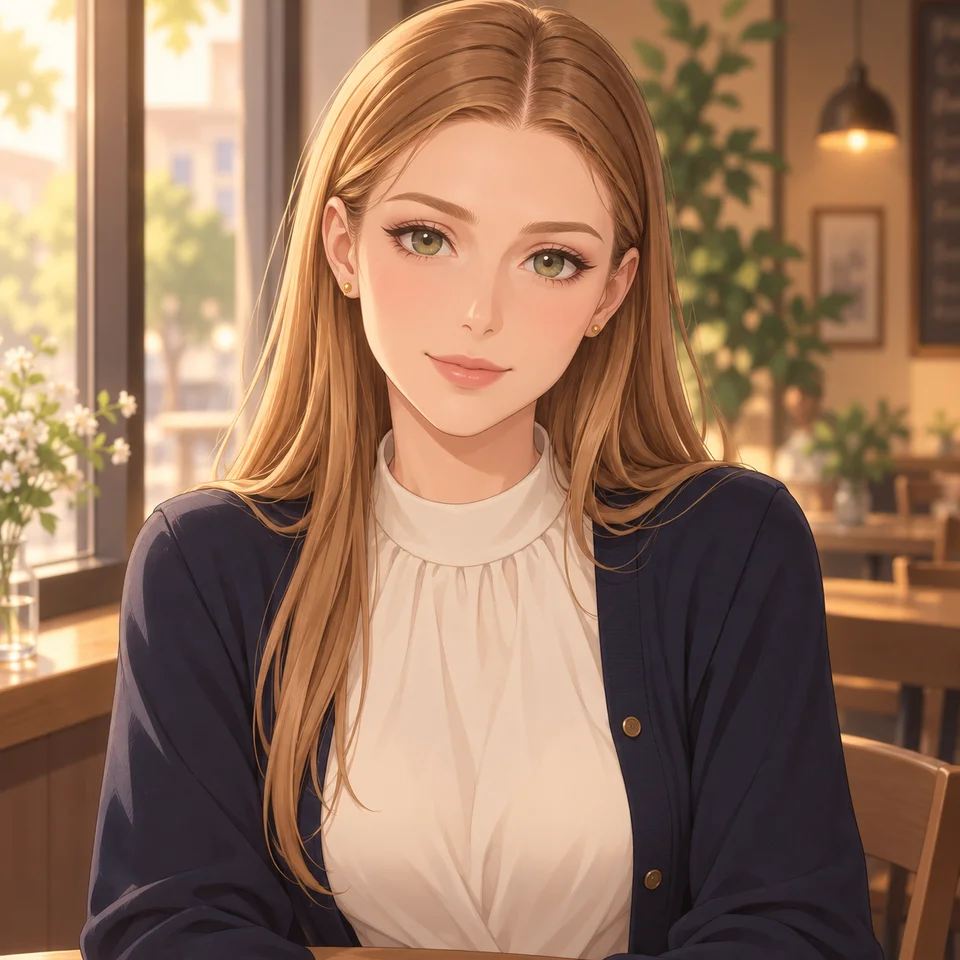
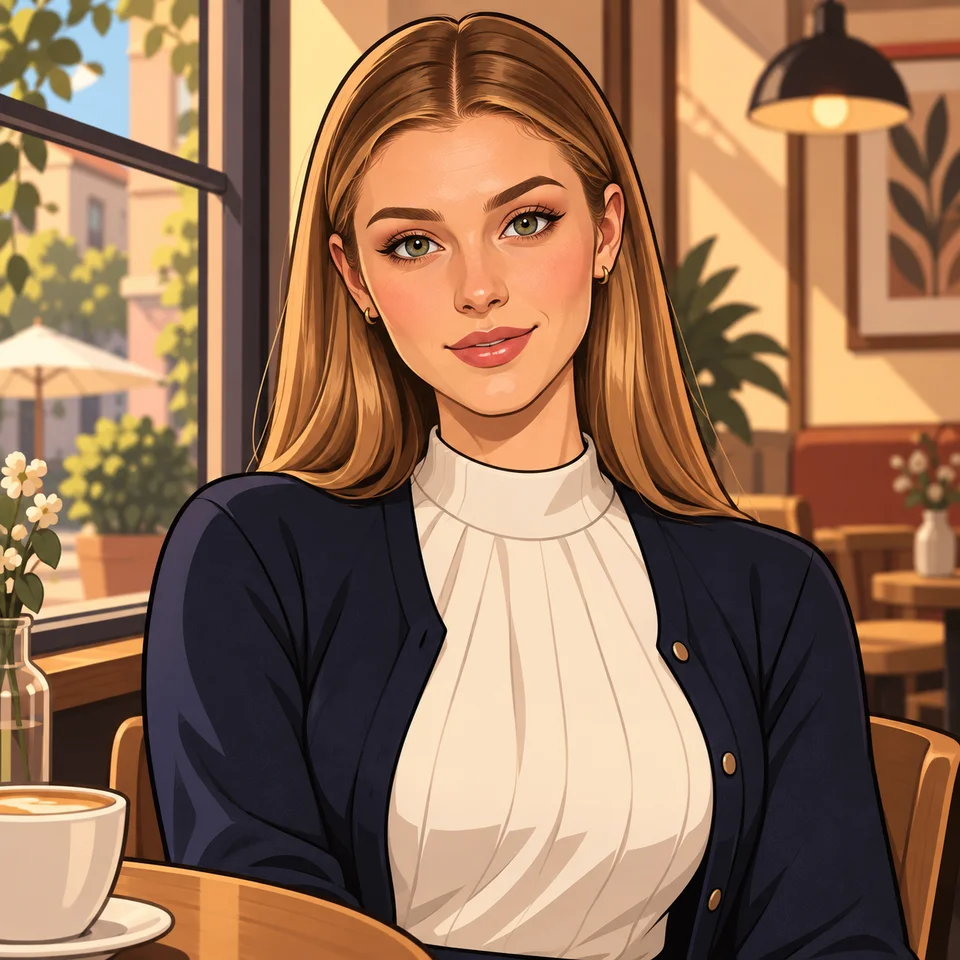
A realistic look aims for photographic cues such as skin texture, fabric, and believable lighting. An anime-inspired look changes the treatment of faces, eyes, shading, and line work. A toon style can push outlines and color further. The right choice depends on whether the image needs to feel photographed or illustrated.
Dreamgens has separate named styles. Check which ones your plan includes, choose a style, and keep your character brief concise. Avoid asking one image to be both a photorealistic portrait and a flat cel-shaded drawing unless you intentionally want a mixed look.
Compare fairly with a reusable brief
Hold the character description, outfit, action, and framing steady. Then choose another available style and change only the rendering instructions that conflict with it. Record your settings so you know what varied. A seed can help control a starting point, but switching models or styles still changes the interpretation.
The illustrations above use one supplied adult model reference and a shared cafe scene to explain visual directions. They were created with ImageGen for this guide, not with Dreamgens’ deployed styles. They are a conceptual comparison rather than a controlled Dreamgens benchmark. To judge your own project, generate results using your brief and inspect facial features, costume details, and background coherence.
Style and privacy are separate choices
Choosing anime does not make uploaded references public, and choosing realistic does not make the fictional subject a real person. Uploaded character, pose, edit, and mask references remain private. Eligible text-to-image or pose-only outputs may be shared under existing rules; Character Reference and Image Edit outputs cannot be published to Community.